Offsite Backup Software Everything You Need to Protect Your Critical Data

Data protection has become a mission-critical priority for businesses of all sizes. In a world where cyberattacks, human error, and natural disasters are increasingly common, having a reliable backup system is no longer optional—it’s essential. That’s where offsite backup software comes in as a foundational tool in any data recovery and continuity strategy.
What Is Offsite Backup Software?
Offsite backup software is a type of application that allows you to create backups of files, systems, or databases and store them in a location separate from the original physical infrastructure. This location could be a secure cloud service, a remote data center, or a secondary private server.
Unlike local backups stored on external hard drives or internal systems, offsite backups ensure your data is protected from physical events like fire, flooding, theft, power outages, or ransomware attacks.
Why Is Offsite Backup Software So Important?
The value of business data is immeasurable. From customer records and financial documents to intellectual property, losing critical data can halt operations or even destroy a company. Here’s why offsite backup software is crucial:
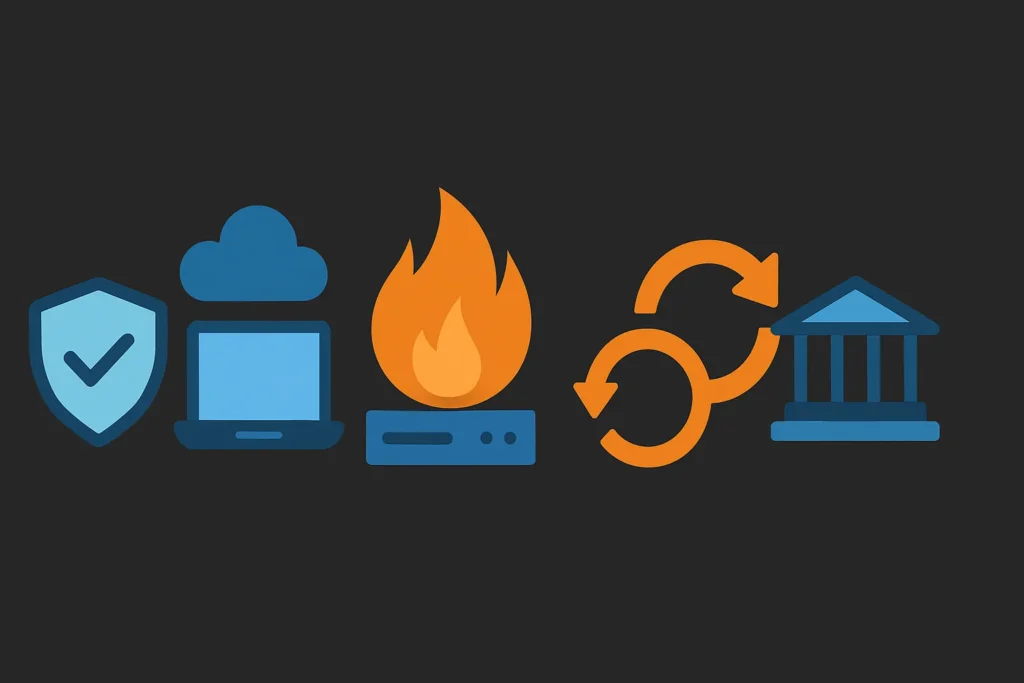
🔒 Advanced Security: Data is encrypted during transfer and at rest to prevent unauthorized access.
🌐 Remote Access: Restore your backups from anywhere, ideal for remote or hybrid work environments.
💥 Disaster Recovery: Protects against site-wide disasters by keeping data off-premises.
🔁 Automated Backups: Scheduled backups eliminate the risk of human error.
🧠 Regulatory Compliance: Many industries (HIPAA, GDPR, etc.) require offsite data protection by law.
Essential Features of the Best Offsite Backup Software
Not all offsite backup solutions are created equal. Here’s what to look for in offsite backup software to ensure maximum data protection, flexibility, and scalability:
1. End-to-End Encryption
Look for AES-256 encryption and secure transfer protocols (HTTPS, SFTP) to keep your data fully protected.
2. Incremental and Differential Backups
Save bandwidth and storage space by backing up only the data that has changed since the last full backup.
3. Multi-Platform Compatibility
Top offsite backup software supports Windows, Linux, macOS, databases, cloud apps, and virtualized environments like VMware and Hyper-V.
4. Fast and Granular Restoration
You should be able to restore anything—from a single file to an entire system—in just a few minutes.
5. Centralized Monitoring Dashboard
A good backup solution includes a clear dashboard to monitor the status of backups, receive alerts, and configure automation settings.
6. Scalability and Expert Support
Your backup system should grow with your business and come with responsive customer support when you need it most.
Benefits of Using Cloud-Based Offsite Backup
One of the most popular forms of offsite backup software is cloud backup. Here are its key advantages:
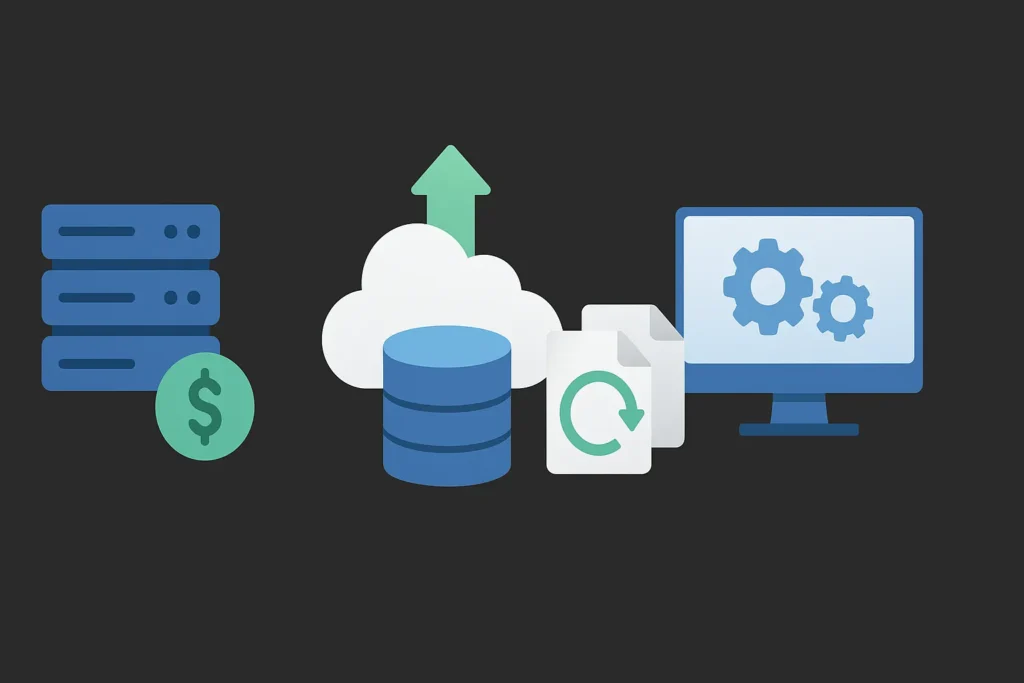
✅ Lower upfront costs: No need to purchase or maintain hardware.
✅ Flexible storage: Scale up or down based on your actual needs.
✅ High availability: Cloud providers like AWS, Azure, and Google Cloud offer geographic redundancy.
✅ Version control: Store multiple versions of the same file for rollback and recovery.
✅ Integration: Connect easily with IT automation and monitoring tools.
Disadvantages to Keep in Mind
While offsite backup software is highly effective, it’s important to consider some of the potential challenges:
⚠️ Requires stable internet: Especially for cloud backups, a strong connection is critical.
⚠️ Vendor lock-in: Be sure to review the provider’s policies on data ownership and exit strategies.
⚠️ Ongoing costs: Cloud storage may become expensive over time without proper management.
Onsite vs. Offsite Backup Comparison
| Feature | Local Backup | Offsite Backup Software |
|---|---|---|
| Physical Security | Vulnerable | Strong (remote location) |
| Recovery Speed | Fast | Depends on provider |
| Scalability | Limited by hardware | Highly scalable |
| Initial Cost | High (hardware investment) | Low (subscription model) |
| Disaster Protection | Low | High |
Top Offsite Backup Software Solutions
Here are some of the most reliable and widely used options on the market:
🔹 Acronis Cyber Protect: Full-featured solution with advanced security and cloud integration.
🔹 Veeam Backup & Replication: Enterprise-grade, ideal for virtual machines and large infrastructures.
🔹 Backblaze B2: Affordable and simple to use, great for SMBs.
🔹 Carbonite: Automated backups, best for small offices and professionals.
🔹 IDrive: Offers continuous backups, file versioning, and remote management.
Best Practices for Offsite Backup Implementation
To get the most out of your offsite backup software, follow these tips:
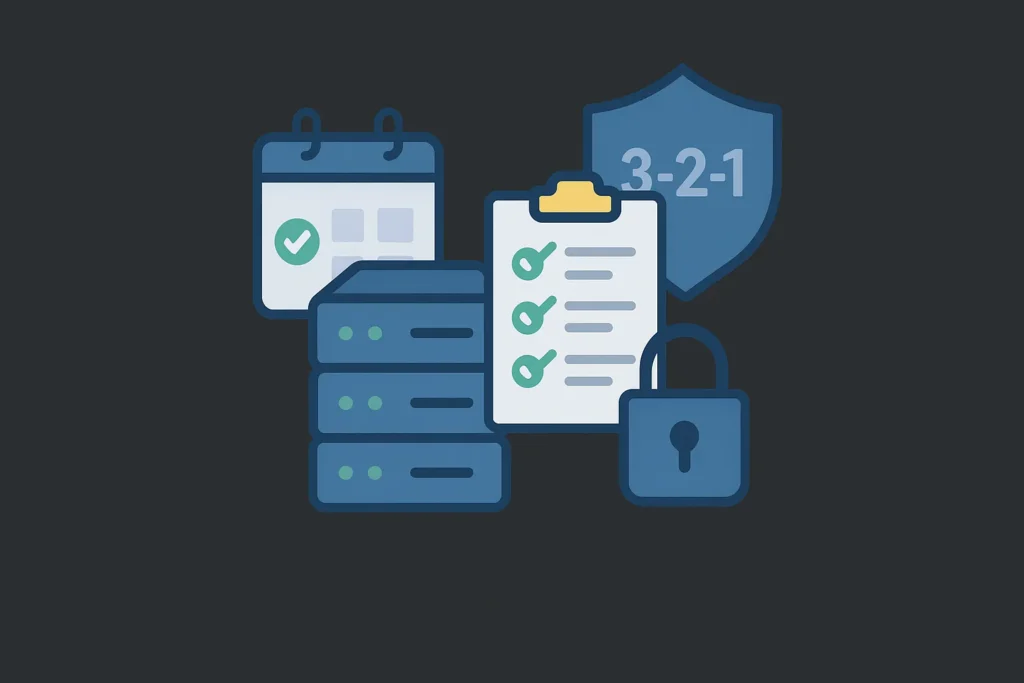
📅 Set a clear schedule: Define whether backups run daily, weekly, or in real-time.
🧪 Test recovery regularly: Make sure you can successfully restore backups when needed.
📁 Classify your data: Identify which files need more frequent or granular backups.
🛡️ Use the 3-2-1 strategy: 3 copies, 2 storage types, 1 copy offsite.
🔐 Secure your access: Use MFA (multi-factor authentication) to protect backup credentials.
Conclusion
Offsite backup software has become an essential tool in modern data protection strategies. It offers a secure, flexible, and reliable way to safeguard business-critical information from physical and digital threats. With the right solution, businesses can ensure not only compliance but also operational continuity and peace of mind.
Choosing the right offsite backup software is not just a technical decision—it’s a strategic investment in the future of your organization.