What is iCloud and How Does It Work on Your iPhone?
In the Apple ecosystem, iCloud is more than just a storage service—it’s the invisible thread that connects all your Apple devices and keeps your digital life secure, synchronized, and accessible. But how exactly does iCloud work on your iPhone? And why is it so critical for protecting your personal data?
Let’s break it down.
Understanding iCloud: Apple’s Cloud-Based Platform
iCloud is Apple’s official cloud computing and data synchronization platform. Introduced in 2011, it was designed to automatically back up and sync your most important data—photos, contacts, notes, apps, calendars, and more—across all devices linked to the same Apple ID.
Key iCloud features include:
- iCloud Backup
Backs up your iPhone’s settings, app data, iMessages, device layout, and more. - iCloud Drive
Offers cloud storage for documents, PDFs, and files you can access via the Files app. - iCloud Photos
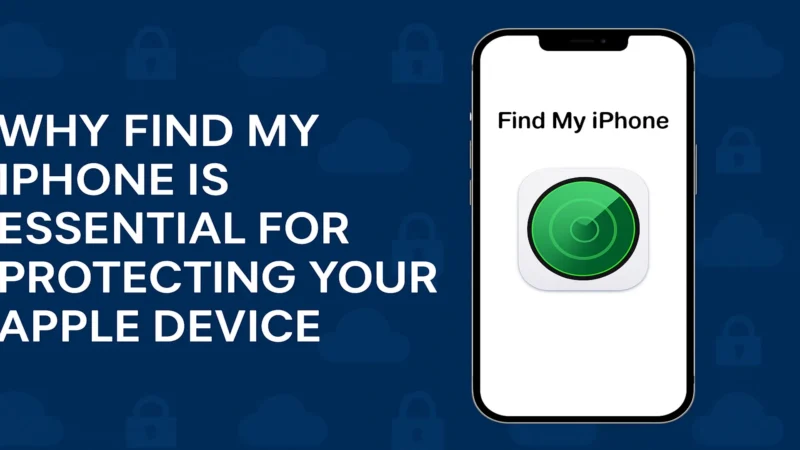
Syncs your entire photo and video library across your Apple devices. - Find My iPhone
Helps you locate, lock, or erase a lost iPhone remotely. - Keychain
Securely stores your passwords, credit card info, and Wi-Fi credentials.
How iCloud Works on Your iPhone
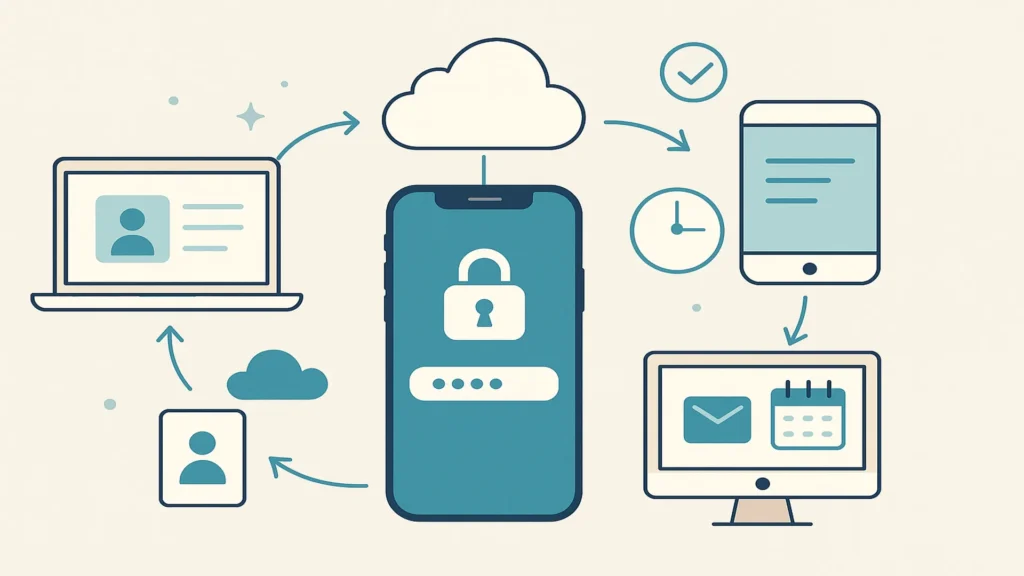
When you sign in with your Apple ID, your iPhone is automatically connected to iCloud. From there, it quietly performs background tasks to sync and secure your data.
Here’s how it works:
- Real-time synchronization
Add a contact on your iPhone, and it instantly appears on your Mac or iPad. - Automatic backups
When your iPhone is locked, connected to Wi-Fi, and charging, iCloud creates a secure backup. - Remote access
You can log into iCloud.com from any browser to view your emails, files, calendar, or track your iPhone. - Cross-device continuity
Start a task on your iPhone and finish it on your Mac or iPad, thanks to iCloud syncing.
Why iCloud Matters for iPhone Users
Using iCloud is not optional if you want to fully experience the power of iOS. It plays a critical role in:
- Data protection: Your backups are encrypted and stored securely on Apple’s servers.
- Device recovery: If your iPhone is lost or stolen, Activation Lock prevents unauthorized access.
- Storage optimization: With iCloud Photos and iCloud Drive, your device can offload large files while keeping them accessible online.
- iOS security: By enabling Find My iPhone, you’re activating a powerful anti-theft system that includes geolocation and remote locking.
iCloud and Apple ID: A Unified Ecosystem
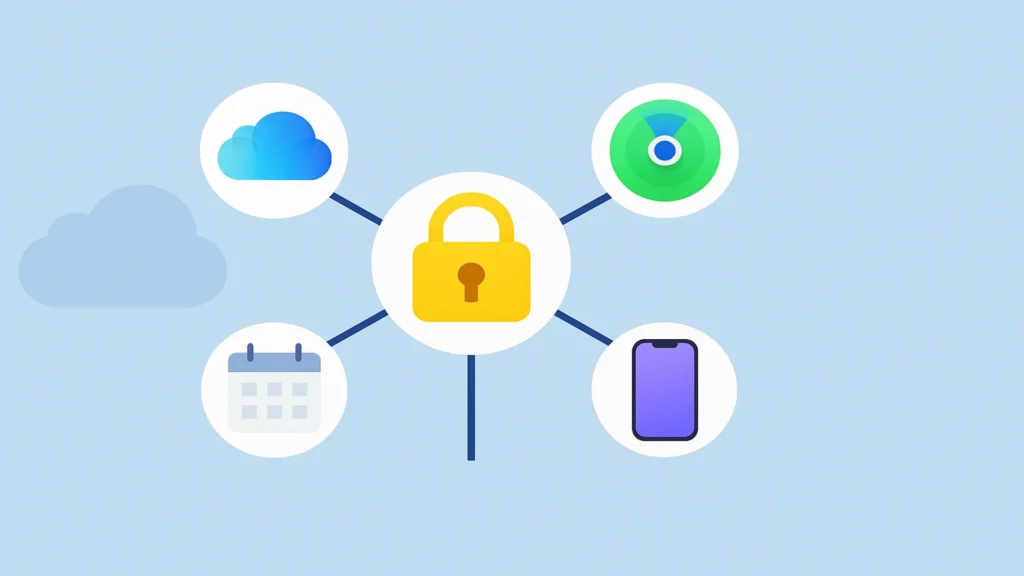
Everything on iCloud is tied to your Apple ID. That’s why it’s important to remember your login credentials. Without them, you won’t be able to:
- Restore backups
- Disable Activation Lock
- Access Find My iPhone
- Sync across devices
🔒 Tip: Always use a strong password and enable two-factor authentication for your Apple ID.
How Much iCloud Storage Do You Get?
Apple offers 5GB of free iCloud storage to every Apple ID. This space can be quickly consumed by photos, backups, and messages, so most users opt to upgrade:
| Plan | Storage | Price (US) |
|---|---|---|
| Free | 5 GB | $0 |
| iCloud+ Basic | 50 GB | $0.99/month |
| iCloud+ Standard | 200 GB | $2.99/month |
| iCloud+ Premium | 2 TB | $9.99/month |
You can manage your plan under Settings > [Your Name] > iCloud > Manage Storage.
iCloud vs Other Cloud Services
While competitors like Google Drive, Dropbox, and OneDrive offer cloud storage, iCloud is uniquely integrated into iOS. This means:
- It requires no extra app installation
- It works directly with native iPhone apps (Photos, Notes, Safari, etc.)
- It syncs settings, ringtones, and even your home screen layout
Common iCloud Misconceptions
Myth 1: iCloud stores everything on my phone
➡️ iCloud backs up and syncs data, but it doesn’t mirror your entire device.
Myth 2: iCloud is just for photos
➡️ iCloud stores much more: documents, contacts, app data, and even your Safari bookmarks.
Myth 3: You can bypass iCloud lock easily
➡️ The Activation Lock is a powerful security feature and can only be removed by entering the correct Apple ID credentials.
iCloud and Privacy: How Secure Is It?
Apple uses end-to-end encryption for most iCloud services. This means:
- Not even Apple can read your iMessages, Health data, or iCloud Keychain.
- Two-factor authentication adds an extra layer of security.
- iCloud+ offers Private Relay and Hide My Email for even more privacy.
Final Thoughts
So, what is iCloud and how does it work on your iPhone? It’s the engine that powers your digital continuity, your cloud-based backup, and your mobile security—all in one place. Whether you’re backing up your data, finding a lost device, or syncing across your Apple ecosystem, iCloud is a vital tool for every iPhone user.