What Lost Mode means on your iPhone and why it matters
Losing your iPhone is never a good feeling. But Apple has built-in tools to protect your data and improve your chances of getting it back. One of the most important tools is Lost Mode, a feature that can turn your iPhone into a digital beacon and security vault—even when it’s not in your hands.
Let’s explore what Lost Mode is, how it works, and why it’s essential for iPhone users who value privacy and device recovery.
What Lost Mode actually does on your iPhone
When you enable Lost Mode through the Find My app or iCloud.com, several security protocols are activated instantly:
- The iPhone is locked with your existing passcode
- Apple Pay is disabled
- Notifications are hidden from the lock screen
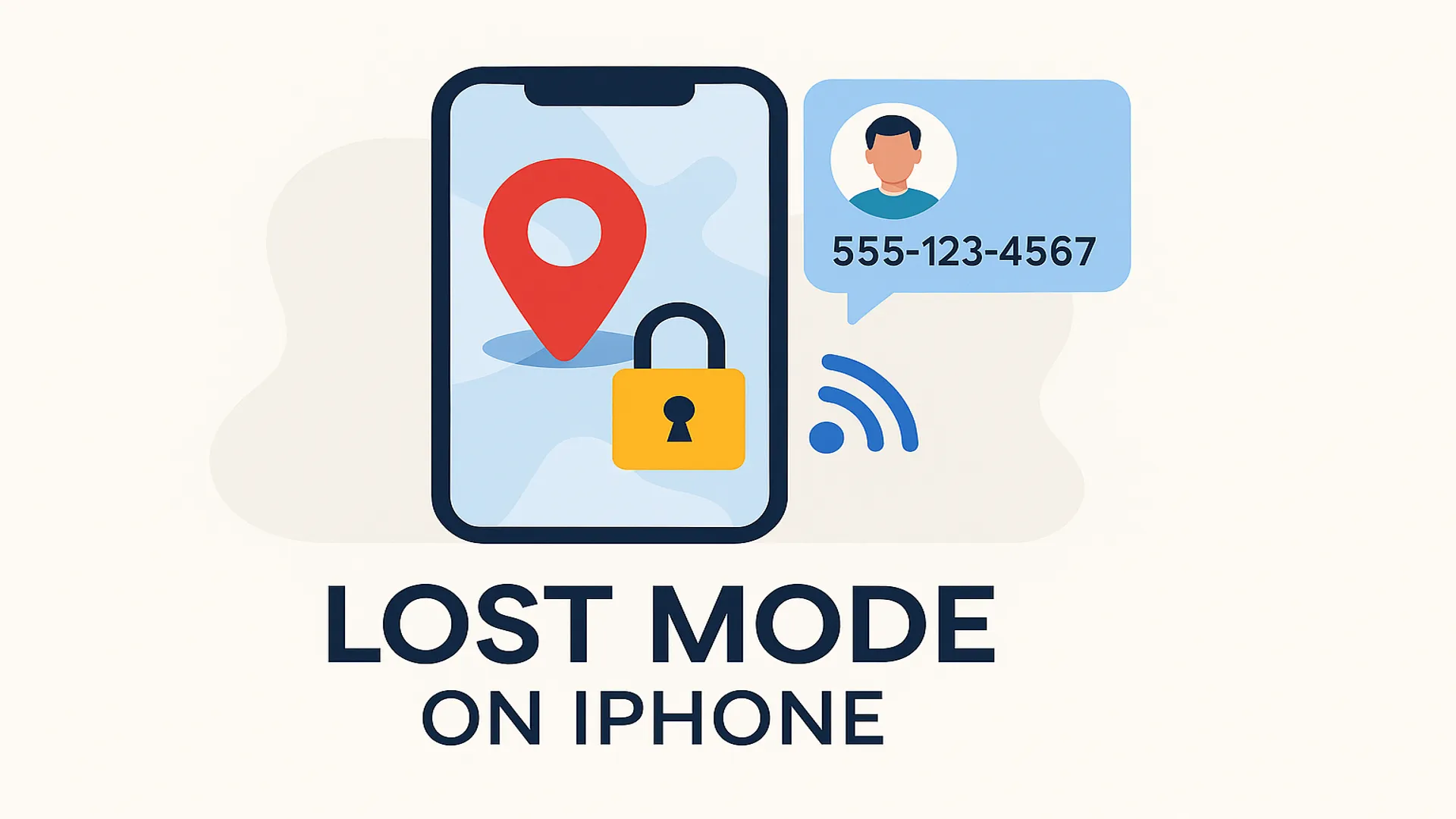
- You can display a custom message and phone number for whoever finds it
- The device begins real-time tracking if it’s online
Even if the device is offline, Lost Mode will queue the lock and tracking instructions to apply as soon as it connects to the internet.
How to activate Lost Mode remotely
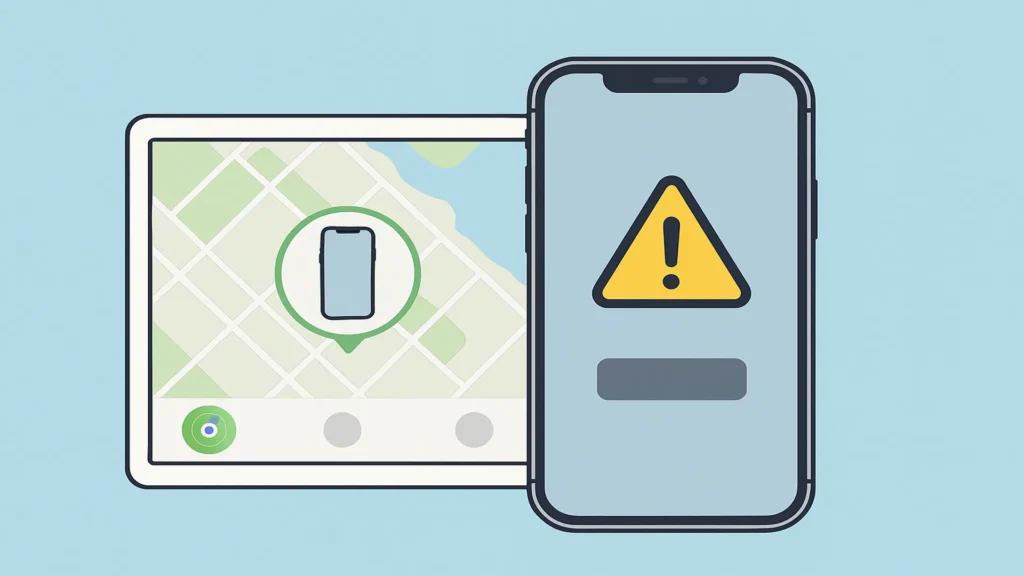
If you’ve lost your iPhone, here’s how to turn on Lost Mode from another device:
Using the Find My app
- Open the Find My app on an Apple device
- Tap on the Devices tab
- Select your missing iPhone
- Scroll down and tap Mark As Lost
- Follow the prompts to enter a contact number and message
Using iCloud.com
- Go to iCloud.com/find
- Sign in with your Apple ID
- Select your iPhone from the device list
- Click Lost Mode
- Enter your contact number and recovery message
Once activated, the phone is locked and begins broadcasting its location.
What the custom message looks like to someone who finds your iPhone
If someone finds your lost device, they’ll see:
- A full-screen message you provided (e.g., “This iPhone has been lost. Please call 555-123-4567.”)
- A call button that allows them to contact you without accessing the rest of your phone
- No access to the home screen, apps, or notifications
This is designed to encourage honest return while keeping your data secure.
The link between Lost Mode and Activation Lock
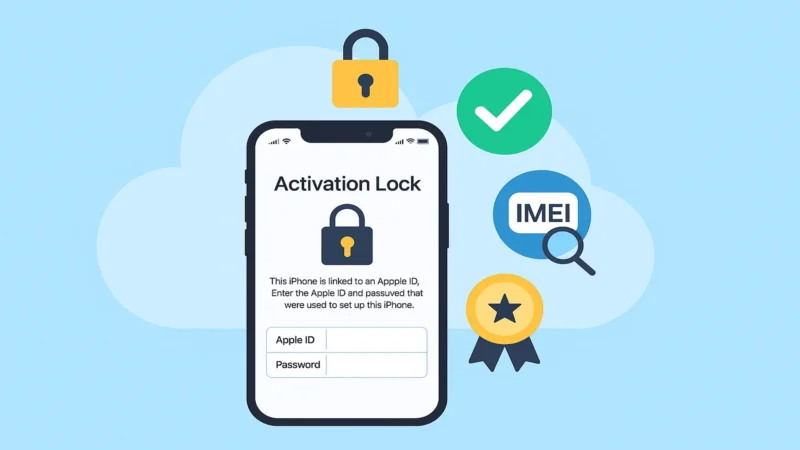
When Lost Mode is turned on, Activation Lock is also triggered, making it impossible for anyone else to:
- Erase your device
- Set it up as new
- Access your Apple ID or iCloud account
Even if someone tries to perform a factory reset, they’ll be asked to enter your Apple ID credentials.
🔐 Lost Mode and Activation Lock work hand-in-hand to secure your iPhone against theft and unauthorized use.
What happens if the iPhone is turned off or offline
If your iPhone is offline, Lost Mode still works behind the scenes:
- Your instructions are stored on Apple’s servers
- As soon as the phone is back online, it will automatically lock, display your message, and begin tracking
- You will receive a notification with its location
This makes it ideal even if your battery dies or the phone is powered off by someone else.
Lost Mode is not just for iPhones
You can also use Lost Mode with other Apple devices:
- iPad
- Mac (with T2 or M-series chip)
- Apple Watch
- AirPods (limited tracking and sound alerts)
This ecosystem-wide protection helps keep all your Apple devices under your control, even when they’re misplaced or stolen.
What to do once your iPhone is recovered
If you find your iPhone or someone returns it to you, follow these steps:
- Unlock the phone using your passcode
- Lost Mode will automatically turn off
- Apple Pay and notifications will be re-enabled
- You’ll get a notification that the device was found
- It’s recommended to review your iCloud and security settings just in case
Lost Mode leaves no permanent effects—it’s fully reversible for the rightful owner.
Common misconceptions about Lost Mode
Let’s clear up a few myths:
- Myth: Lost Mode wipes your iPhone
➡️ Reality: It locks the device and enables tracking, but doesn’t erase any data. - Myth: Anyone can disable Lost Mode with a factory reset
➡️ Reality: Activation Lock prevents this without your Apple ID credentials. - Myth: Lost Mode works even without Find My enabled
➡️ Reality: You must have Find My iPhone turned on beforehand to use Lost Mode.
Final thoughts on using Lost Mode effectively
Lost Mode is not just a passive alert system—it’s an active, secure way to protect your iPhone when it’s missing. It gives you control from a distance, increases the chance of recovery, and ensures your private data stays private.
By keeping Find My iPhone enabled and knowing how Lost Mode works, you give yourself the best defense against theft, loss, or misuse.